Workboard vs Tability
I tested both in a real account — same objective, same Key Results, same owners and check-in setup — and scored them on what makes goals get hit. They sit at opposite ends of the market, so the right pick depends on your size.

Heavy cascade, full admin controls and enterprise support. Requires an owner on every Key Result. Built for large organisations with a dedicated OKR program and a budget to match.
Fast setup, clean strategy map and friendly check-in prompts. Ownership and scoring stay optional, so it suits a smaller team easing into OKRs for the first time.
A third option, in the interest of full disclosure: I build OKRs Tool (4.2 on this same rubric), aimed at 50–200 person teams that sit between these two. If you're that size, it's worth a look alongside them — I say where it falls short lower down.
Workboard and Tability both run OKRs well, but they're built for different companies. Workboard is an enterprise platform for large, structured rollouts. Tability is a lightweight tool for smaller teams getting started. Picking between them is mostly a question of your size and how much process you need.
I opened a real account in each, created the same objective with two Key Results, assigned owners, and set up the check-in flow. The scoring below comes from that, plus platform data across 3,527 organizations that shows which habits move the odds of hitting a goal.
The Short Answer
Pick Workboard if you're rolling OKRs out to hundreds or thousands of people and need deep cascade, admin controls and enterprise support, with the budget that comes with it. Pick Tability if you're a smaller team that wants the lightest possible start and doesn't need heavy structure yet. If you're between the two — roughly 50 to 200 people — neither fits cleanly, which is the gap OKRs Tool is built for.
Both require an owner. Only one is priced for a small team.
Workboard and OKRs Tool both make you assign a name to every Key Result — the habit most tied to teams that hit their goals (65% with it, 17% without). Tability leaves it optional. Workboard's enforcement comes with enterprise pricing; Tability's simplicity comes without the enforcement.
Feature by Feature
Everything below I checked in a live account, not from a pricing page.
| Capability | Workboard | Tability |
|---|---|---|
| Named owner required on every Key Result | Required | Optional |
| Automatic check-in reminders | Yes | Yes |
| Cascade depth | Full enterprise cascade | Strategy map |
| Admin controls and permissions | Deep | Basic |
| Setup speed | Slower, guided rollout | Fast |
| Free trial | No (demo only) | 14 days, no card |
| Entry price | Enterprise quote | From $6/user/mo |
| Typical buyer size | 500+ seats | 10–100 seats |
| Pricing transparency | Sales-led quote | Public |
| AI draft and check-in summaries | Yes | Yes |
Checked in a live account in November 2026. Feature availability and pricing shift — confirm current terms with each vendor before you buy.
Where Each One Wins
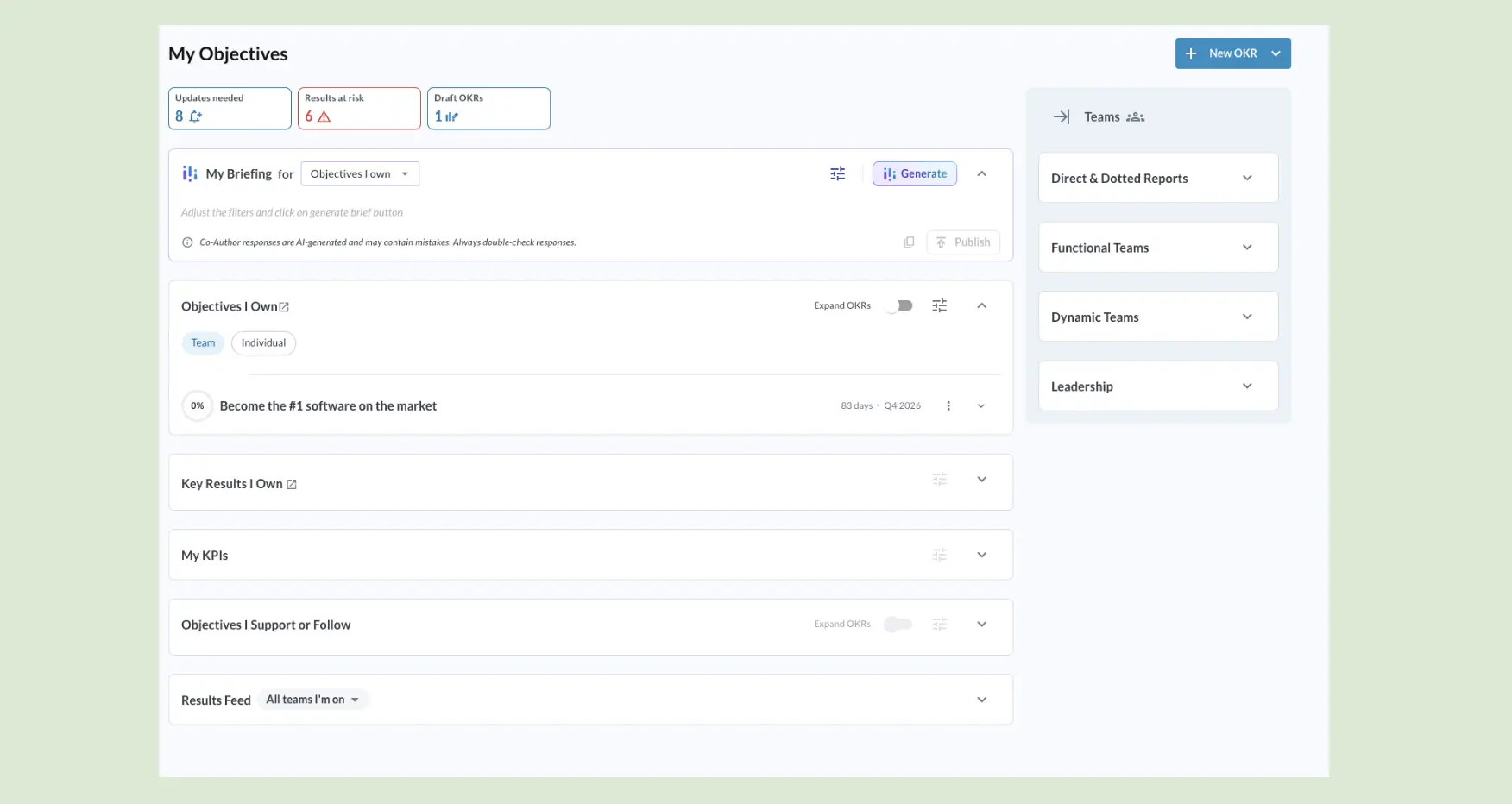
Workboard wins on
- Deep cascade for large org structures
- Owner required on every Key Result
- Enterprise admin controls and support
- Handling hundreds or thousands of users
Tability wins on
- Fastest setup of the two
- Clean, readable strategy map
- Public pricing from $6/user/month
- Low friction for a first OKR cycle
Where Each One Falls Short
Workboard's trade-offs
- Enterprise pricing, sales-led quote
- Heavier than a 50–200 team needs
- Longer, guided rollout before value
Tability's trade-offs
- Ownership and scoring stay optional
- Basic admin controls at scale
- Discipline leans on the team, not the tool
If You're Between the Two
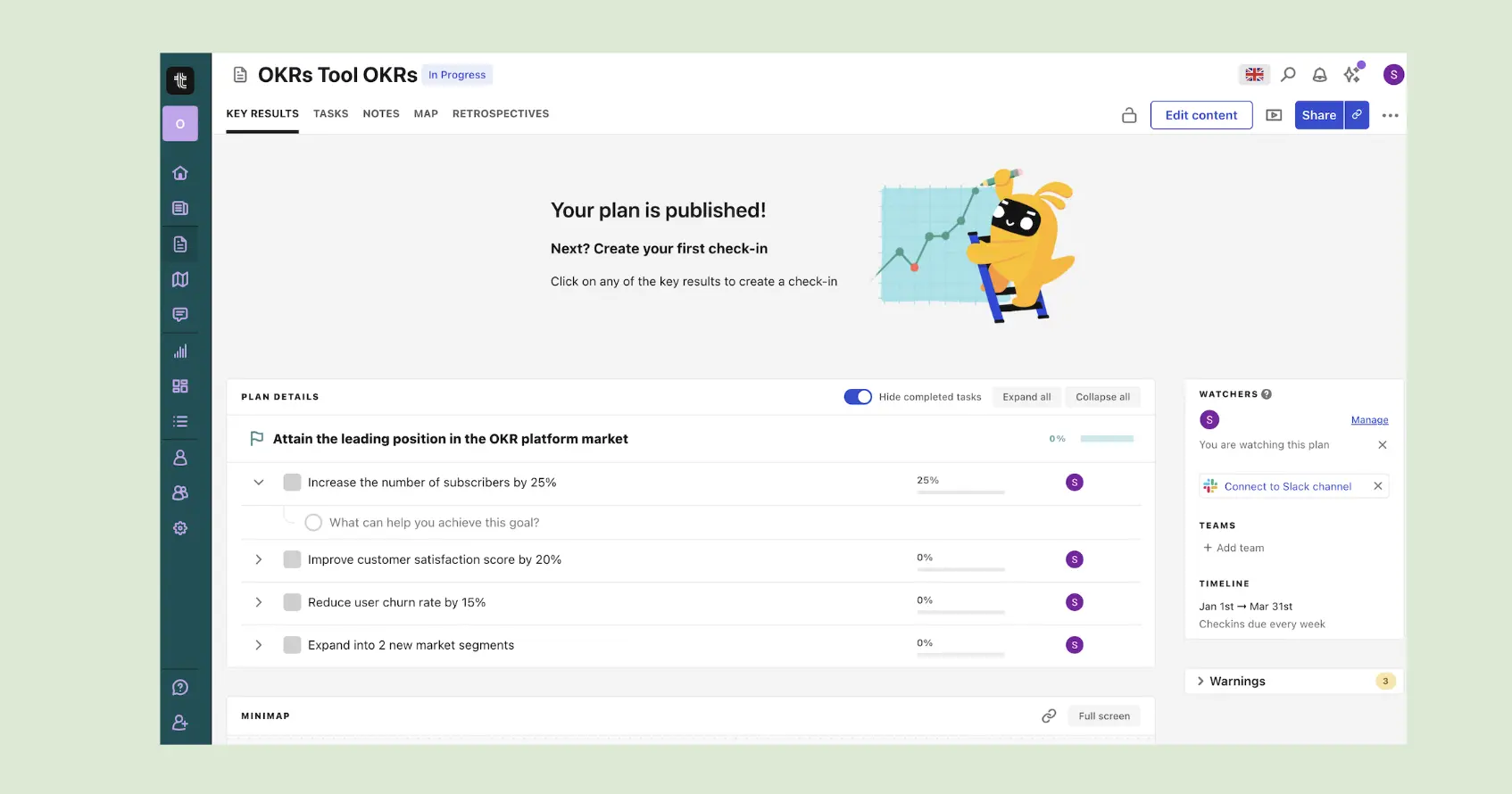
The teams asking me this question are usually 50 to 200 people — too big for Tability's light structure, too small for Workboard's enterprise weight and price. That middle is the reason I built OKRs Tool. It requires a named owner and a score on every Key Result like Workboard does, runs check-ins automatically, and keeps public pricing like Tability does, without the enterprise rollout.
Where it falls short: it's built for 50–200 people, not 500+ rollouts, and it carries fewer integrations than the largest platforms. It's scored on the same rubric as both tools here — 4.2 to Workboard's 3.5 and Tability's 3.8.
Questions Buyers Ask Me
How far apart are they on price?
A wide gap. Tability publishes its pricing — from $6 per user a month, with a 14-day free trial and no card required. Workboard is a sales-led enterprise quote — you won't find a public price, and deals typically start in the five figures a year. If budget is the deciding factor, that gap usually makes the call for you.
We're scaling fast. Will Tability keep up, or should we start on Workboard?
Tability handles growth into the low hundreds of users without strain. The point where Workboard earns its weight is deep org hierarchies, strict admin and permission controls, and a dedicated OKR program office — think 500+ people. Below that, starting on Workboard means paying and configuring for structure you won't use for a year or more.
How painful is it to migrate later if we outgrow Tability?
Manageable. OKRs are a small, structured data set — objectives, Key Results, owners, check-in history — and both tools export to CSV. The real cost of switching is retraining the team and rebuilding integrations, not moving the data. Starting light and migrating later is a reasonable plan, not a trap.
Where does each one process our data?
Both are US-based platforms. Workboard offers enterprise security reviews, SSO and the paperwork a procurement team expects. Tability hosts customer data in the US by default, with EU or Australia residency available on request, and covers the basics with a lighter compliance surface. If you need EU data residency or a signed DPA before you can buy, confirm the specifics with each vendor directly, because that requirement rules tools in or out faster than any feature.
Did you test both hands-on, or read the feature pages?
Hands-on. I set up the same OKR in each — signup, an objective, two Key Results, owners, and the check-in flow. The table reflects what the live product does, not what a pricing page claims. I also build OKRs Tool, scored on the same rubric, and I flag where it falls short above.
Between the two? See the middle option
OKRs Tool enforces the habits like the enterprise tools, at small-team pricing. Open a free trial and try it.
Benchmark figures from The OKR Benchmark Report. Feature scoring from a live account test of both tool.