Your OKRs, connected to the Google tools your team already uses.
Sign in with Google. Schedule reviews and 1:1s straight to Calendar. Export OKR data to Sheets. Link Drive files to goals. Sync your Workspace directory in one click — no manual setup.
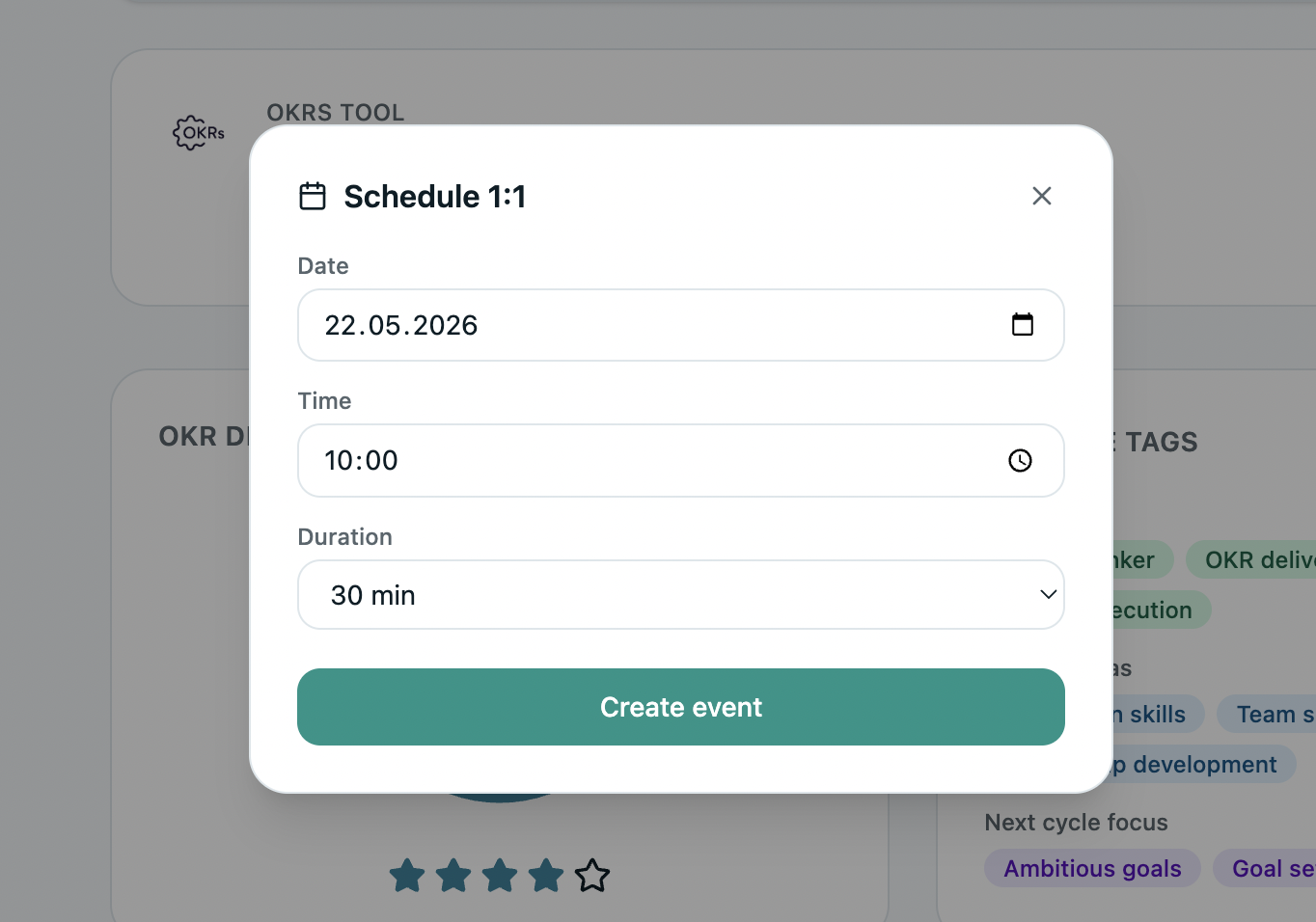
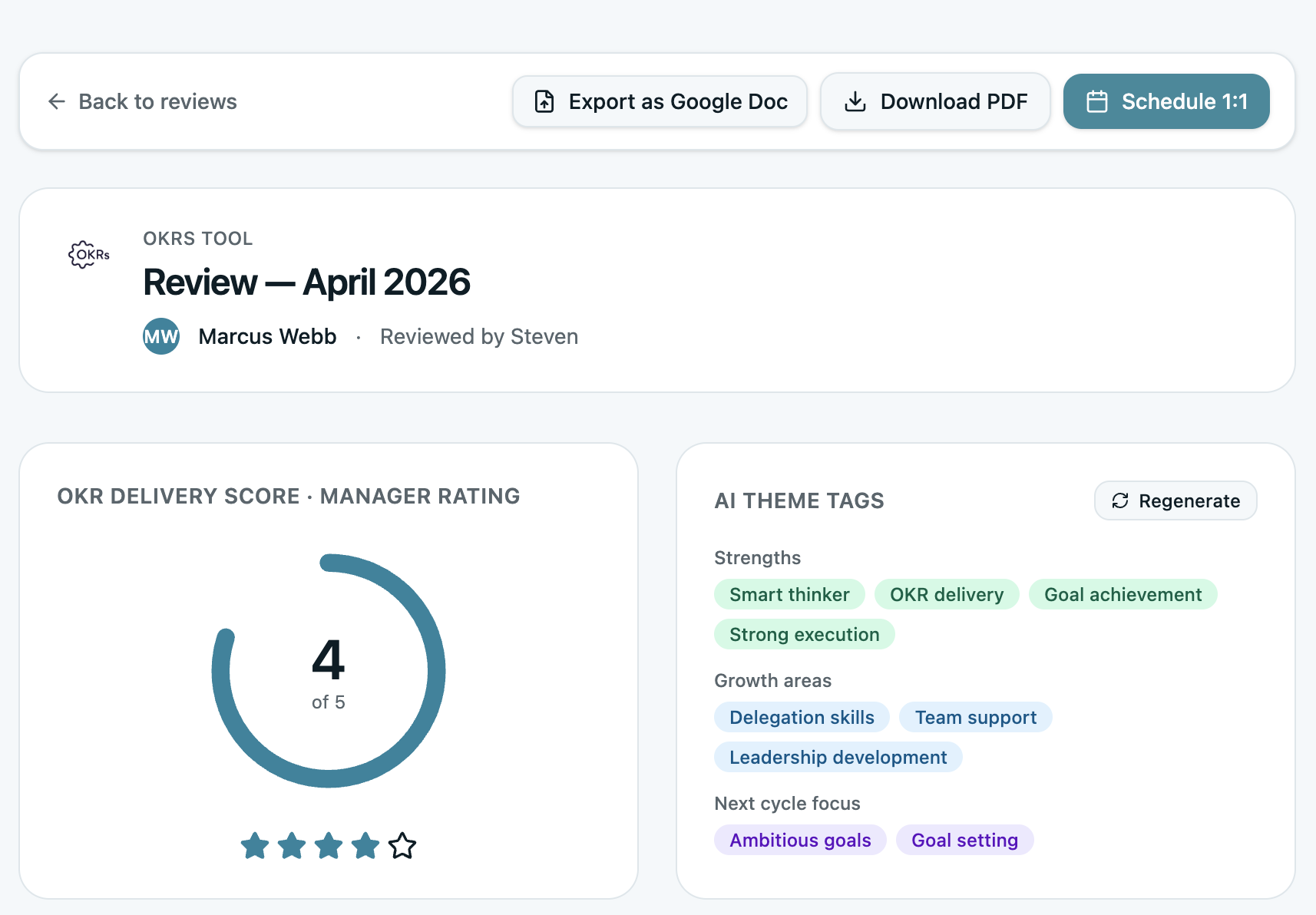
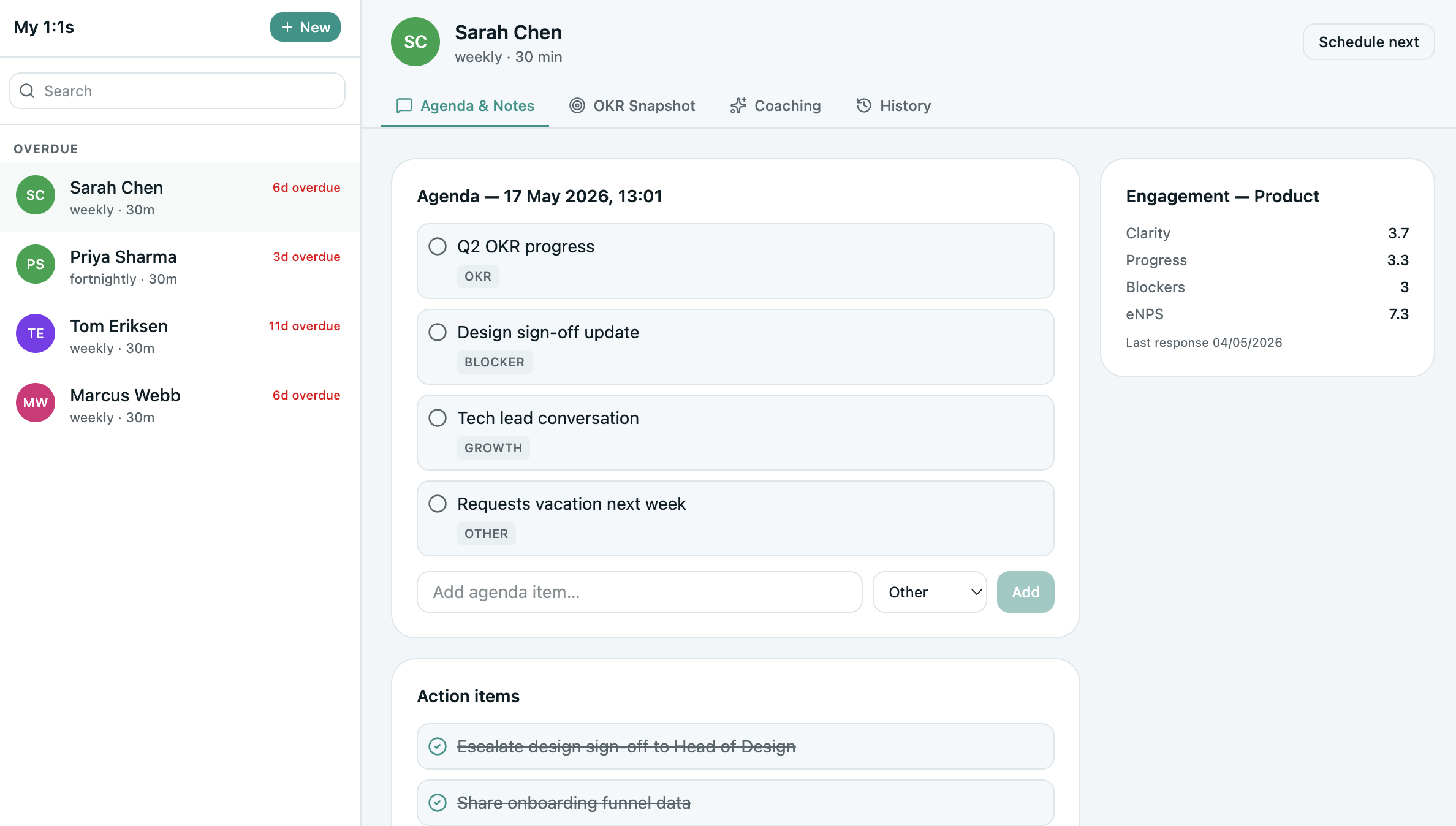
Schedule reviews and 1:1s straight from an OKR.
Book performance reviews and mid-cycle check-ins directly from OKRs Tool — the invite lands in Google Calendar without switching tabs. Surface OKRs that are behind or at risk and schedule a focused session before the cycle ends.
- 1:1s and review sessions created straight to Calendar
- At-risk OKRs surfaced when you schedule
- Invites sync in real time — no double entry
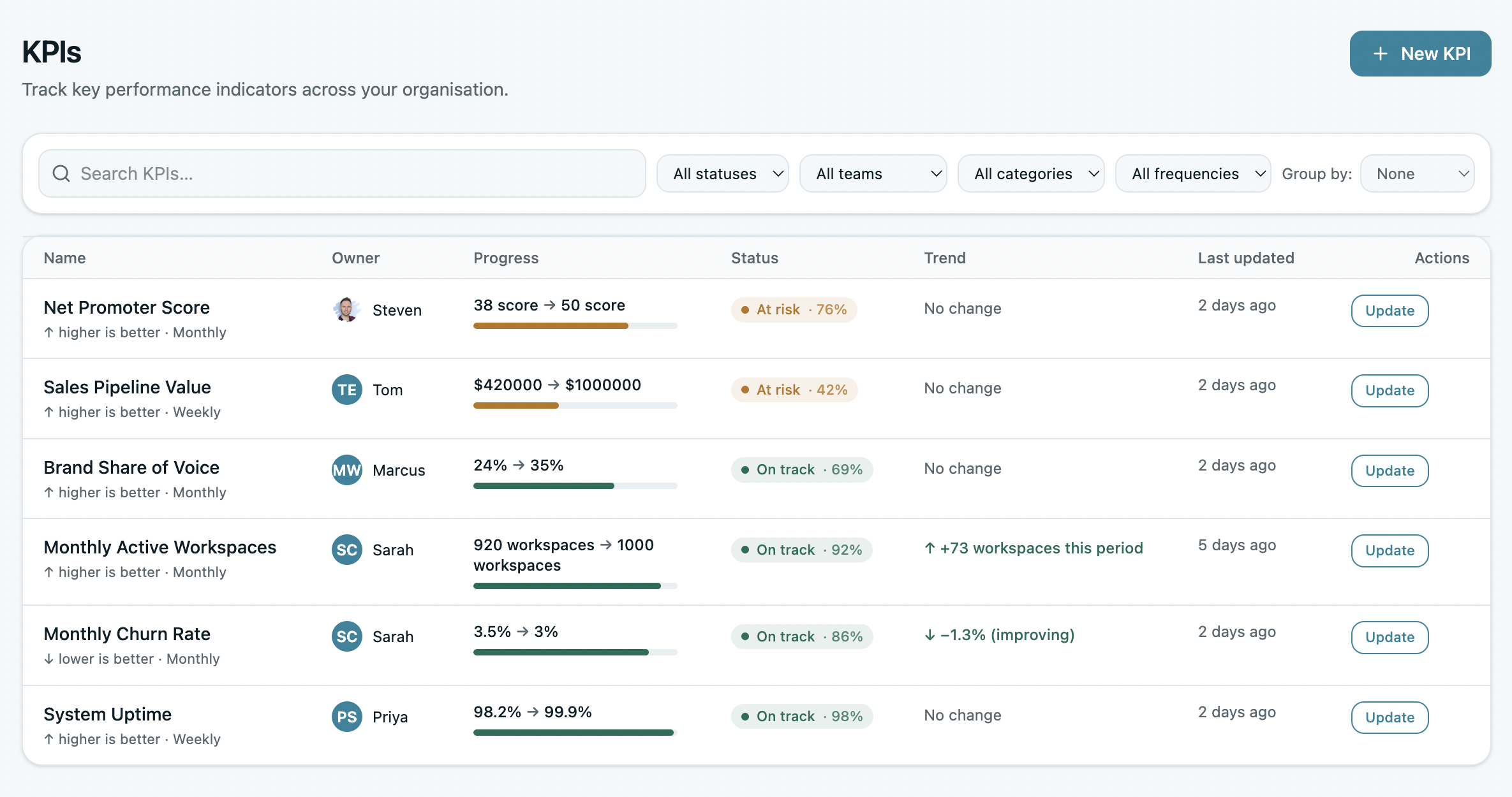
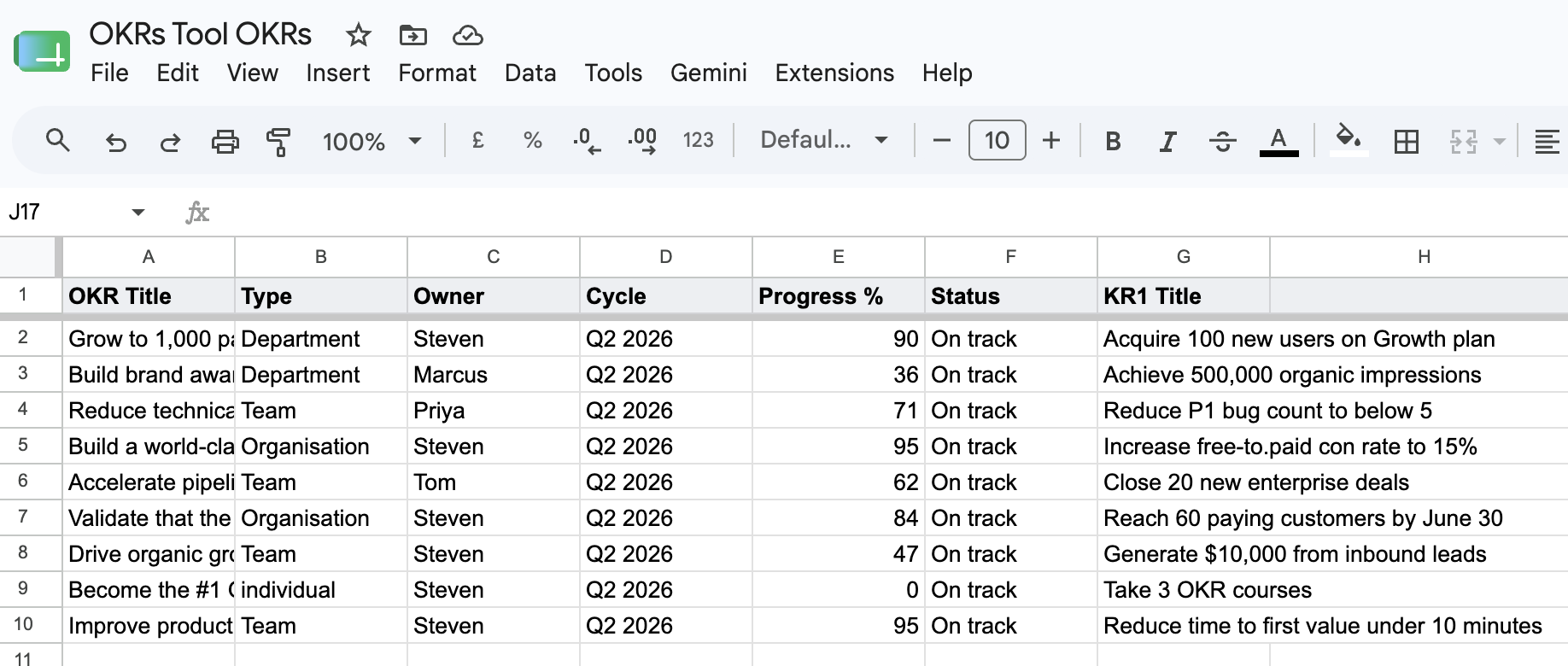
Export cycle data to Sheets for your own analysis.
Pull OKR and KPI data into Google Sheets for reporting, deeper analysis, or sharing with stakeholders outside the platform. Export once, work with the numbers anywhere — no copy-paste, no reformatting.
- Export OKRs, KPIs, and progress to a Sheet
- Build custom reports and pivots your way
- Share with stakeholders outside OKRs Tool
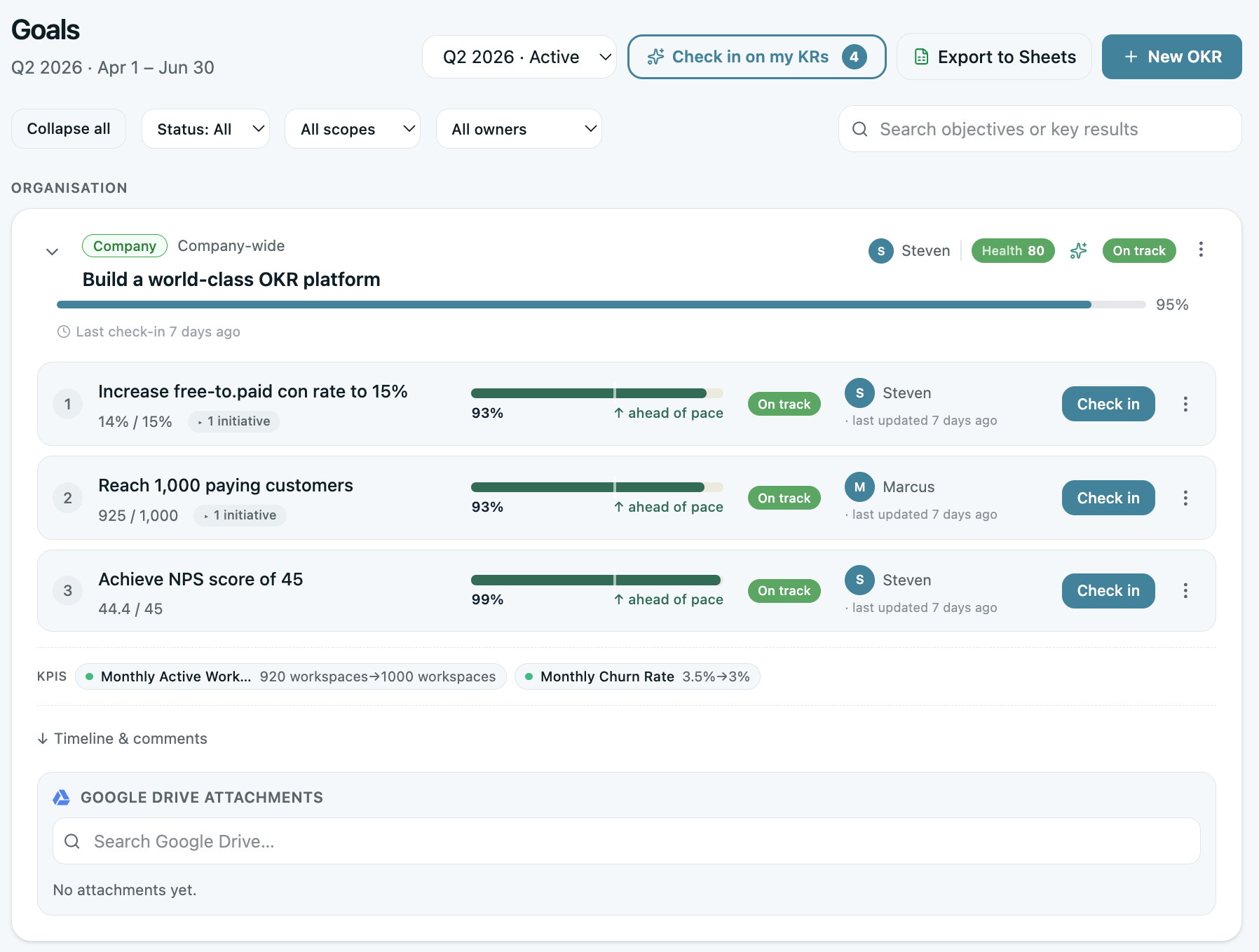
Link Drive files to Key Results
Attach the plan, the deck, or the spec directly to the goal it supports. Every OKR carries its context — no hunting through folders for the relevant doc.
Reference OKRs in your Docs
Pull OKR context into the planning docs and briefs your team already writes in Google Docs — strategy and goals in the same place, without leaving the document.
Sign in with Google
One-click sign-in with your Google account — no separate password to manage. The same identity your team already uses for Workspace.
Sync your Workspace directory
Import your team from the Google Workspace directory in one click — no manual user entry. New joiners flow in as your org grows.
One OAuth connection covers all of it.
How to connect Google Workspace
The Google Workspace integration is configured directly from inside OKRs Tool. Included on every paid plan, starting with Scale. Not signed up yet? See plans or start your 14-day trial.
- Log in to your OKRs Tool account at
go.okrstool.com - Navigate to Settings → Integrations → Google Workspace
- Click Connect Google Workspace and authorize through your Google account
- Grant the requested scopes — one OAuth covers Calendar, Sheets, Drive, Docs, Sign-in, and Directory
- Start scheduling, exporting, and linking — every Google service is now connected
Connected to the tools your team lives in.
The Google Workspace integration is included on every paid plan, starting with Scale — $129/month flat for the whole team, with every integration built in. One OAuth connection ties your entire Google stack to your OKRs.
See Scale planBuilt with the minimum permissions needed.
Google OAuth scopes
The integration uses Google's official OAuth 2.0 flow. We request only the scopes needed for the services you use — you approve exactly what's granted.
calendar.events— create review and 1:1 events you schedulespreadsheets— write OKR/KPI data to Sheets you exportdrive.file— link and open the specific Drive files you attachdirectory.readonly— read your Workspace directory to sync your team
Data & privacy
We only read and write the data required for each service you enable. Your Google access token is stored encrypted and never shared. Disconnect at any time from inside OKRs Tool or your Google account settings.
Read our Privacy PolicyNeed help with the integration?
Email us directly. We respond within 2–4 hours during business hours — every email is personally answered by Steven, founder of OKRs Tool.
steven@okrstool.comGoogle Workspace, Google Calendar, Google Sheets, Google Drive, and Google Docs are trademarks of Google LLC. OKRs Tool is not affiliated with or endorsed by Google.