Performance

Performance built around goals.

Reviews, 1:1s, 360 feedback, and engagement surveys — all connected to the OKRs the team is actually working on. For people leaders and ops leads at 50–200 person companies who don't want two tools.

Available on Expand Flat fee, unlimited users 60% adoption guarantee
In this section

Four views for people leaders

Why performance feels disconnected

Performance tools and goal tools almost never talk.

Most teams run two systems: an HR tool for reviews and 1:1s, and a separate OKR tool for goals. The data doesn't flow between them — and the result is performance conversations that ignore what someone actually delivered.

1

Reviews ignore what was committed

A manager writes an annual review without referencing the OKRs the report committed to. Goal completion data sits in a different tool — so the review is based on memory, vibes, and the past two weeks.

2

1:1s lose continuity

Notes get scattered across Notion docs, Google Docs, and personal notebooks. Commitments made in one 1:1 don't carry into the next. Three months later, neither person remembers what was discussed.

3

Pulse surveys disappear into a dashboard

Engagement scores get collected quarterly, displayed in an HR analytics view, and never tied back to the work people are doing. So scores drop, nobody knows why, and the survey runs again next quarter.

Feature 1 of 4 · Highest leverage

Performance Reviews

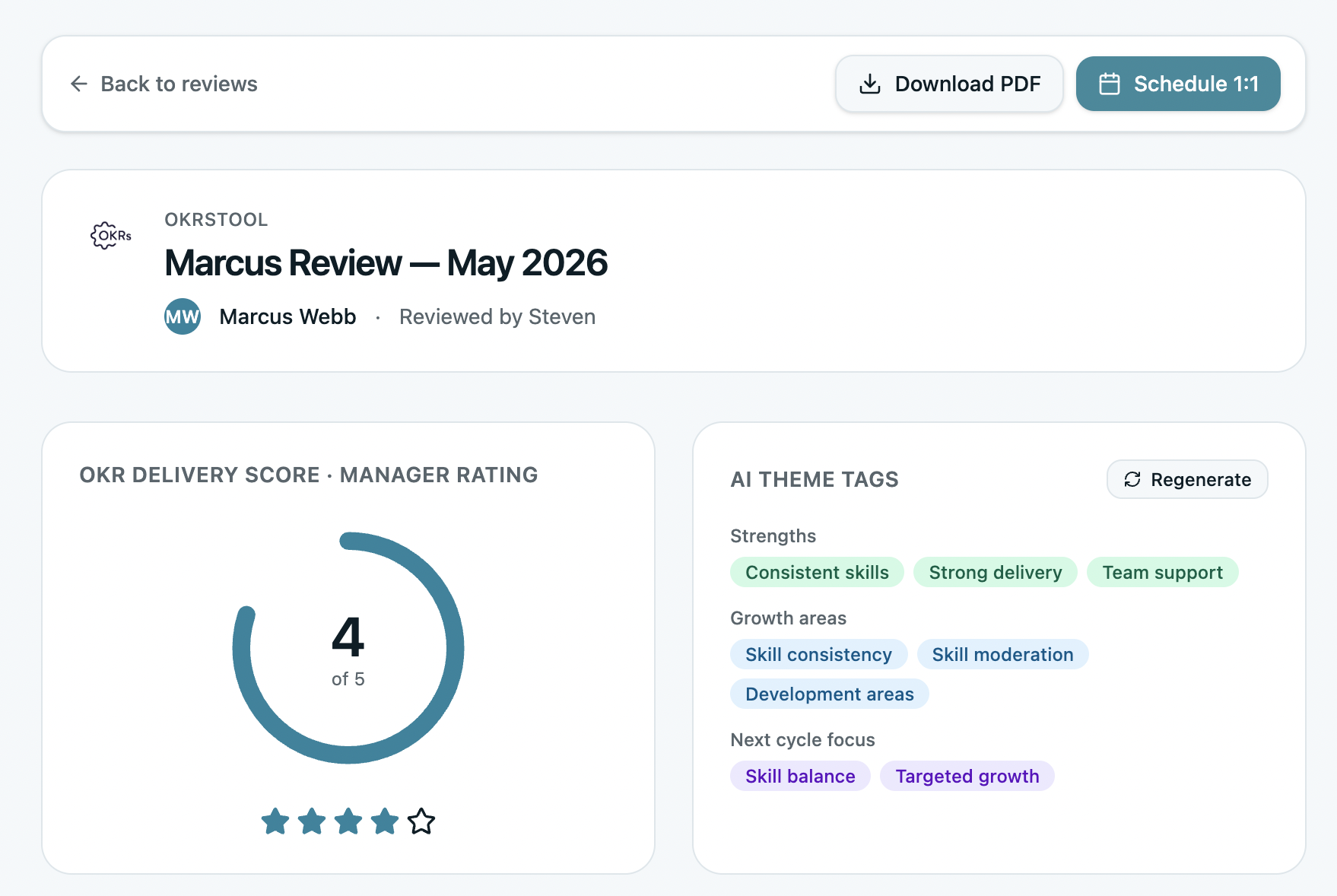
Annual, semi-annual, or quarterly reviews that auto-pull OKR completion data from the cycles being reviewed. No more reconstructing what someone delivered from memory — the data is right there.

Custom templates per role, calibration across teams, and structured feedback prompts. Reviews that reference real outcomes instead of recency bias.

  • Auto-pull OKR scores and check-in history from the review period
  • Custom review templates per role or level
  • Manager review + self review + peer review in one flow
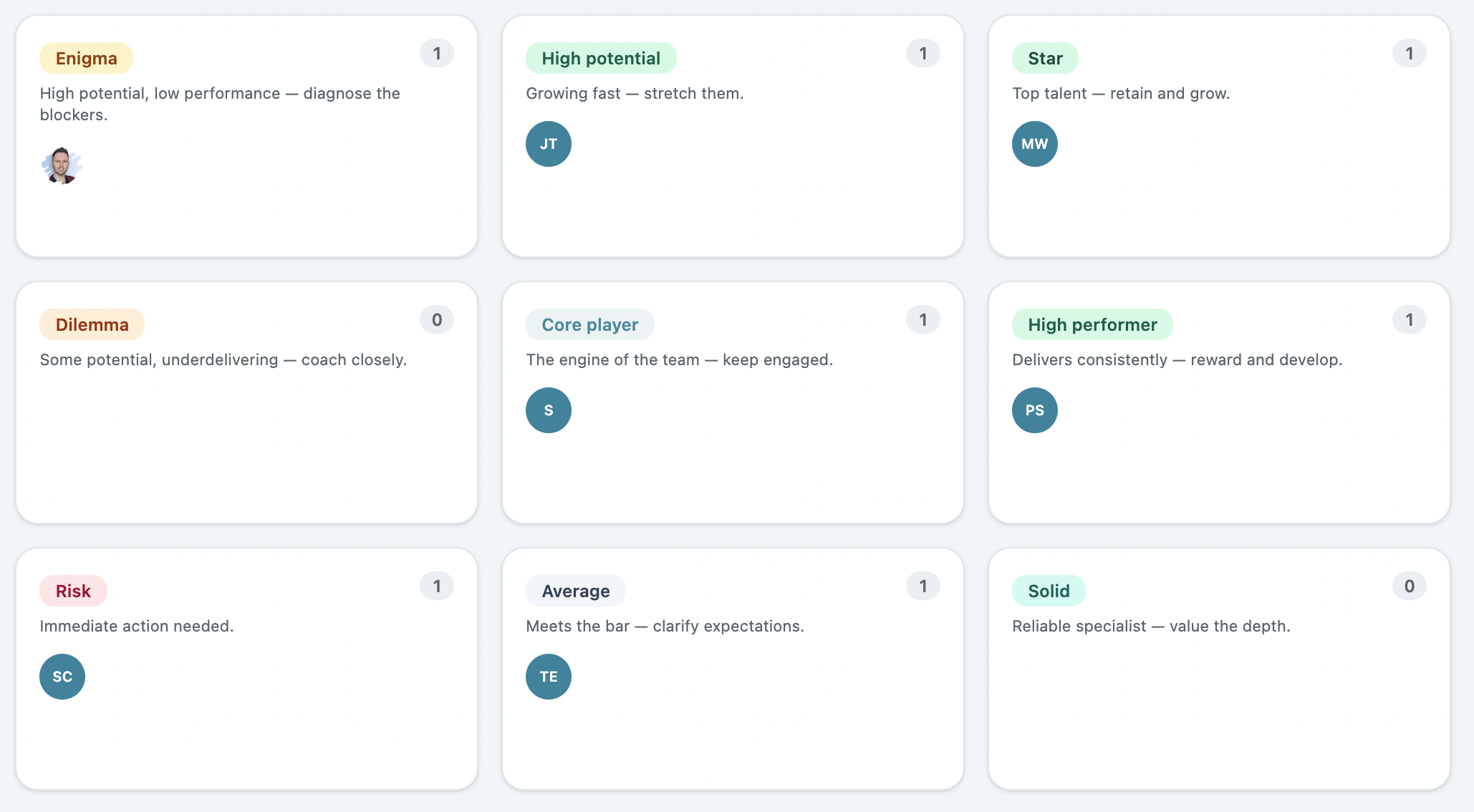
  • Calibration view — compare ratings across the org before they finalize
  • Export reviews as PDFs for HRIS or personnel files
Performance Reviews: pulls OKR completion data automatically
Feature 2 of 4

1:1s that build on each other

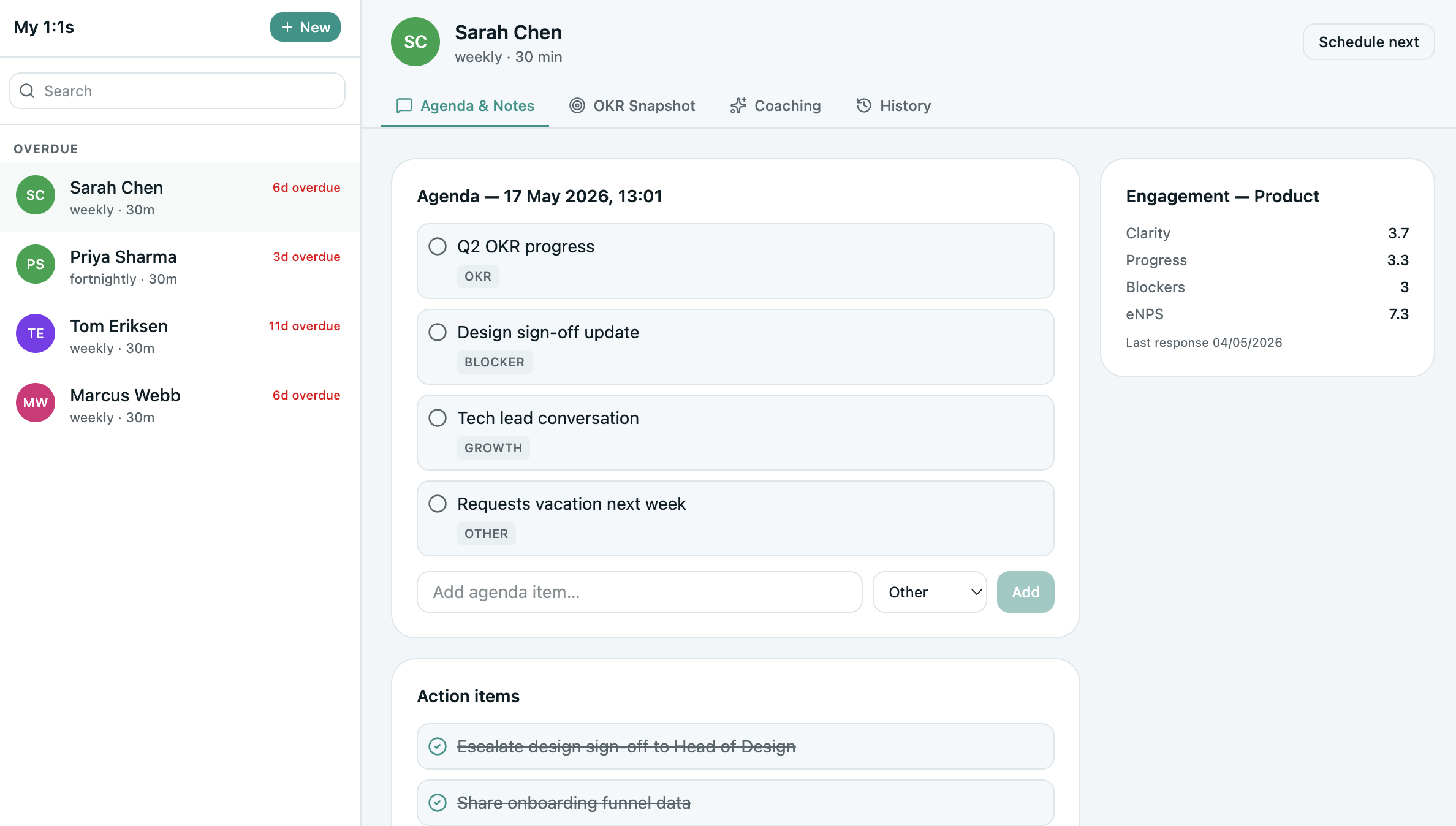
A structured 1:1 agenda that carries forward between meetings. Action items from the last 1:1 surface at the top of the next. Goal progress is visible inline. Notes are private to the pair, never re-keyed.

No more lost commitments, no more “what did we talk about last time?”, no more 1:1 notes living in seven different tools.

  • Shared agenda — both parties add items before the meeting
  • Action items carry forward until checked off
  • Goal progress visible inline — OKR data right next to the agenda
  • Private notes per side — manager notes stay manager-only
  • Templates: career conversation, weekly tactical, monthly retrospective
1:1 agenda with action items that carry forward
1:1s: structured agenda with action items that carry forward
Feature 3 of 4

360 Feedback with real signal

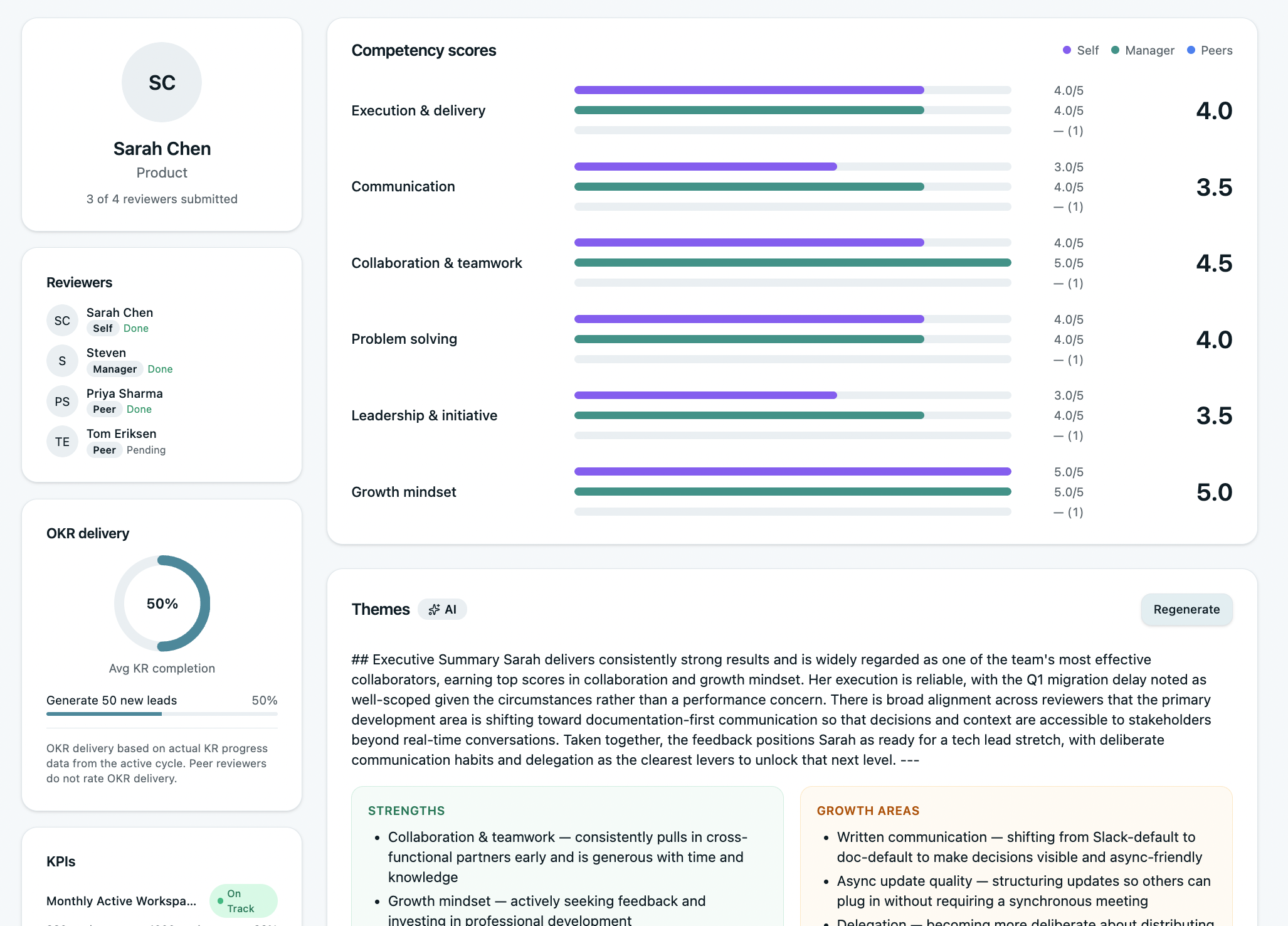
Peer feedback that goes beyond “they're a great team player.” Structured prompts tied to competencies, anonymity controls, and the option to attach feedback to specific OKRs the person worked on.

Reviewers can be selected by the manager, requested by the report, or auto-suggested from people they collaborated with most on shared OKRs — real working relationships, not random sampling.

  • Anonymous, named, or hybrid — configurable per cycle
  • Tied to your competency model (or use our default)
  • Reviewer selection: manager-picked, self-requested, or auto-suggested
  • Auto-detection of collaborators on shared OKRs
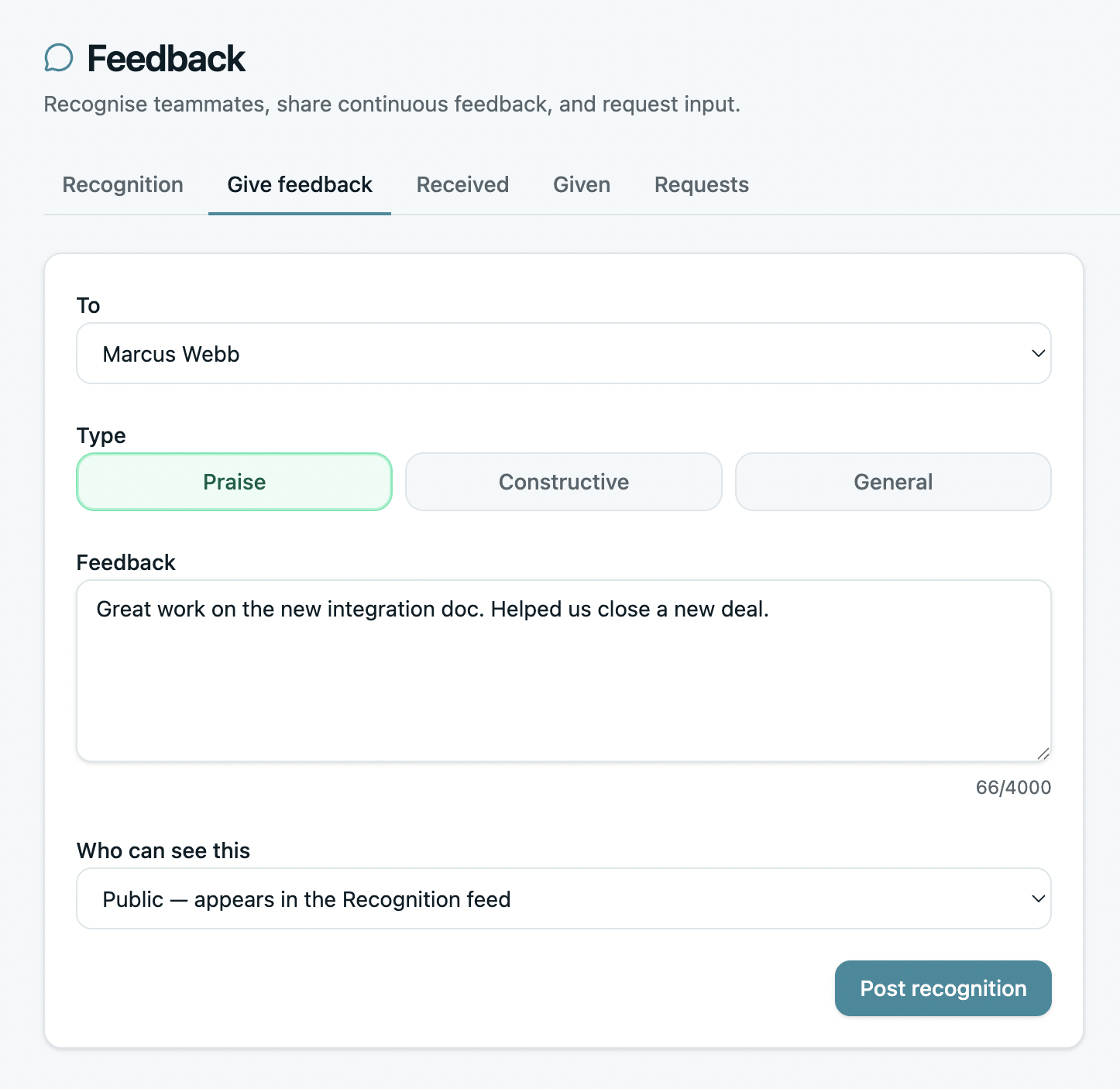
360 Feedback: structured prompts tied to competencies
Feature 4 of 4

Engagement Surveys

Quarterly pulse surveys plus a standard annual engagement survey. eNPS, manager effectiveness, role clarity — the core dimensions, asked consistently, with results that connect back to teams and OKRs.

When engagement drops in a team, you can see what that team committed to that cycle — and have a real conversation about whether the goals were the problem.

  • Quarterly pulse + annual full engagement survey
  • Anonymous responses with aggregated team-level results
  • Benchmark against industry and prior cycles
  • Link survey results to the team's OKR data — find the why behind the score
Engagement Surveys: pulse and annual surveys with goal-linked results
Unique to OKRs Tool

The review that writes with receipts.

Every OKR your report owned during the review period appears in the review form. Completion scores, check-in history, parent objectives — already pulled, already structured. No reconstructing from memory.

Goal-Linked Reviews

In every other performance tool, the OKR module and the review module are separate. The data doesn't flow between them. The manager opens the review form to a blank page and writes from the last two weeks of memory.

In OKRs Tool, the review form opens with the report's completed OKRs already attached. Final scores. Check-in language they used. Comments they left. The KRs they hit and the ones they missed. The review writes with receipts.

  • Every OKR from the review period auto-attached to the review form
  • Final scores, check-in history, and parent objectives visible inline
  • Manager references real outcomes — not recency bias
  • Self-review uses the same data — both sides see the same evidence
  • Calibration uses the underlying OKR scores too — conversations get grounded
S
Sarah Chen · Performance Review
H1 2026 · Jan–Jun
Auto-linked
Owned OKRs in review period
Launch self-serve onboarding by end of Q1
Score: 1.0 12 check-ins Q1 cycle
Increase activation rate from 41% to 60%
Score: 0.92 18 check-ins Q2 cycle
Reduce churn to <2.5% by end of Q2
Score: 0.45 9 check-ins Q2 cycle
Auto-summary for review form
Sarah delivered 2 of 3 OKRs at or above target in H1. Self-serve onboarding launched on time (1.0). Activation rate hit 58% against 60% target (0.92). Churn KR fell short at 0.45 — check-in history shows the goal was reset mid-cycle when scope expanded.
Illustrative preview · live form pulls each report's real OKR data
Customer story

We went from spreadsheets to OKRs Tool and the team adopted it fast. The combination of goal-setting and people management in one place means we don't need a separate HR tool to do reviews and 1:1s well.

Andre, Nextbitt
Andre
Engineering Lead, Nextbitt
Frequently asked

Performance questions, answered.

Four questions people leaders ask before rolling out performance management on OKRs Tool.

Do you have annual performance reviews?
Yes — annual, semi-annual, and quarterly. You can run all three in parallel if different teams have different review cadences. Each review cycle has custom templates per role, calibration views, manager + self + peer review, and PDF export for personnel files.
Can reviews use OKR scores automatically?
Yes — this is the core reason most teams pick OKRs Tool for performance reviews. The review form auto-pulls OKR completion scores, check-in history, and qualitative comments from every cycle in the review period. Managers can reference real outcomes instead of reconstructing them from memory.
How do 1:1s work in OKRs Tool?
Each manager-report pair has a shared 1:1 agenda — both add items before the meeting. Action items carry forward until checked off, OKR progress is visible inline, and both sides keep private notes that only they can see. Templates available: weekly tactical, monthly retrospective, quarterly career conversation.
Do you offer compensation management?
No. We do OKRs, performance reviews, 1:1s, 360s, and engagement surveys — not compensation, headcount planning, or the rest of HR. If you need a full HRIS, OKRs Tool is the wrong fit. We integrate with most HRIS platforms so review data can flow into your comp process, but the comp process itself happens elsewhere.
Related sections

Performance is one of five sections.

Each is included on every plan. Click any to see the views inside.