OKRs Tool vs Oboard
I build OKRs Tool, and I tested Oboard hands-on in a real account — same objective, Key Results, owners and check-in setup — then scored both on one rubric: what makes goals get hit. Here's where each one wins.

Requires a named owner and a score on every Key Result, runs check-ins on its own, and works for any team at one flat price — not just the ones living in Jira.
A visual OKR platform with the deepest two-way Jira sync on the list — Key Results move as tickets close. Outside Jira it loses its edge, and ownership stays optional.
Oboard's whole case is Jira — a genuine two-way sync where Key Results move as tickets close, which is more than OKRs Tool does there. OKRs Tool's case is the habits that get goals hit, enforced, for any team at a flat price. The deciding question is whether your work lives in Jira.
OKRs Tool is my own product, so I know it from the inside; Oboard I set up in a real account — the same objective, two Key Results, owners and check-in flow. I scored both on the same rubric, built on platform data across 3,527 organizations that shows which habits move the odds of hitting a goal. I publish where OKRs Tool falls short — including on this one.
The Short Answer
Pick Oboard if your product and engineering teams live in Jira and you want Key Results that update as tickets close — its two-way Jira sync is the deepest on the list, and the visual dashboards are built for that workflow. Pick OKRs Tool if you want a named owner and a score required on every Key Result, a flat price, and a tool that works for non-technical teams too, not just the ones in Jira.
Oboard wins on Jira. I'll say so plainly.
Oboard's two-way Jira sync is real-time and deeper than OKRs Tool's, which pulls Jira progress one way on a 24-hour cycle. If live, bidirectional Jira sync is the deciding feature, Oboard is the better tool. Where it falls away is outside Jira — and on the ownership habit, which it leaves optional.
Feature by Feature
Everything below I checked in a live account, not from a pricing page.
| Capability | OKRs Tool | Oboard |
|---|---|---|
| Named owner required on every Key Result | Required | Optional |
| Score required on every Key Result | Enforced | Optional |
| Automatic check-in reminders | Yes | Yes |
| Two-way Jira sync | One-way (24-hour) | Two-way, real-time |
| Works for non-Jira teams | Yes | Loses its edge |
| Cascade / alignment view | Alignment map | Visual dashboards |
| AI features | AI KR analysis | New AI OKR Skills |
| Pricing model | Flat per org | Per seat |
| Cost at 100 people | From $129/mo, flat | ~$3,300–$5,400/yr |
| Free plan | 14-day trial, no card | Jira app free up to 10 |
Checked in a live account. Feature availability and pricing shift — confirm current terms with each vendor before you buy.
Where Oboard Is the Better Pick
Oboard is built for teams that live in Jira. The integration is the best in this category — a genuine two-way sync where OKR progress connects to sprint work directly, so Key Results move as tickets close without a manual update step. For product and engineering teams, that closes the gap between strategic goals and daily execution better than anything else on my list. The dashboards are visual and engaging, more so than most competitors, and it's adding AI OKR Skills on top. If your work runs through Jira, Oboard fits that workflow in a way a general-purpose tool can't.
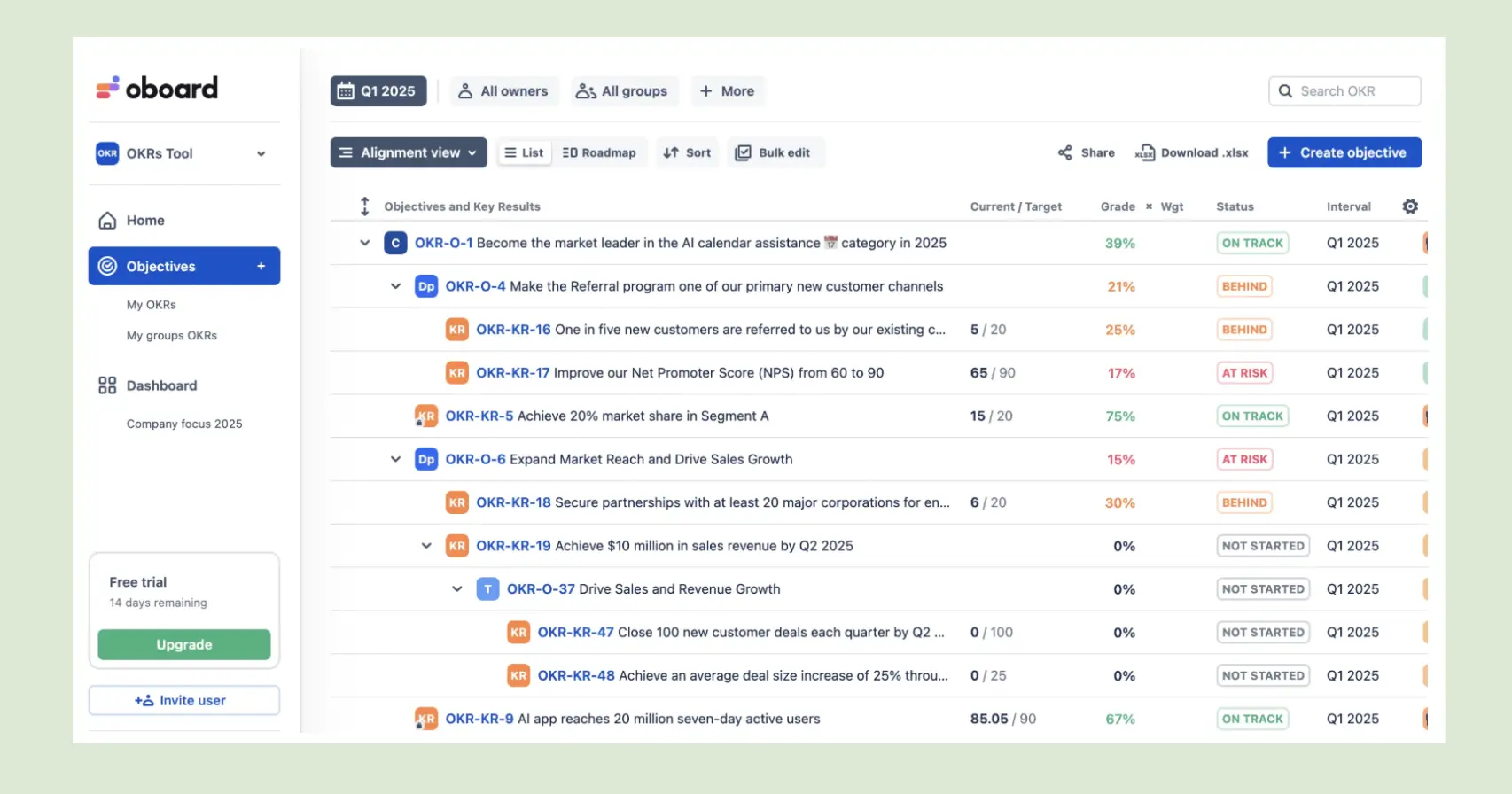
Oboard wins on
- Deepest two-way Jira sync, real-time
- Key Results that move as tickets close
- Engaging visual dashboards
- Free Jira app up to 10 users
Where it costs you
- Loses its edge outside Jira
- Ownership and scoring stay optional
- Visual density can tip into clutter
- Per-seat pricing at scale
Where OKRs Tool Pulls Ahead
OKRs Tool requires the two habits my data shows matter most — a named owner and a score on every Key Result — rather than leaving them optional, and it works for any team, not only the ones in Jira. Check-ins fire automatically in Slack, Teams and email, the price stays flat for the whole company, and it pulls progress from Jira, Asana and Linear too — one-way on a daily cycle rather than real-time, which suits a weekly cadence. It's the stronger pick when the habits matter more than live Jira sync, and when not everyone on the team works in Jira.
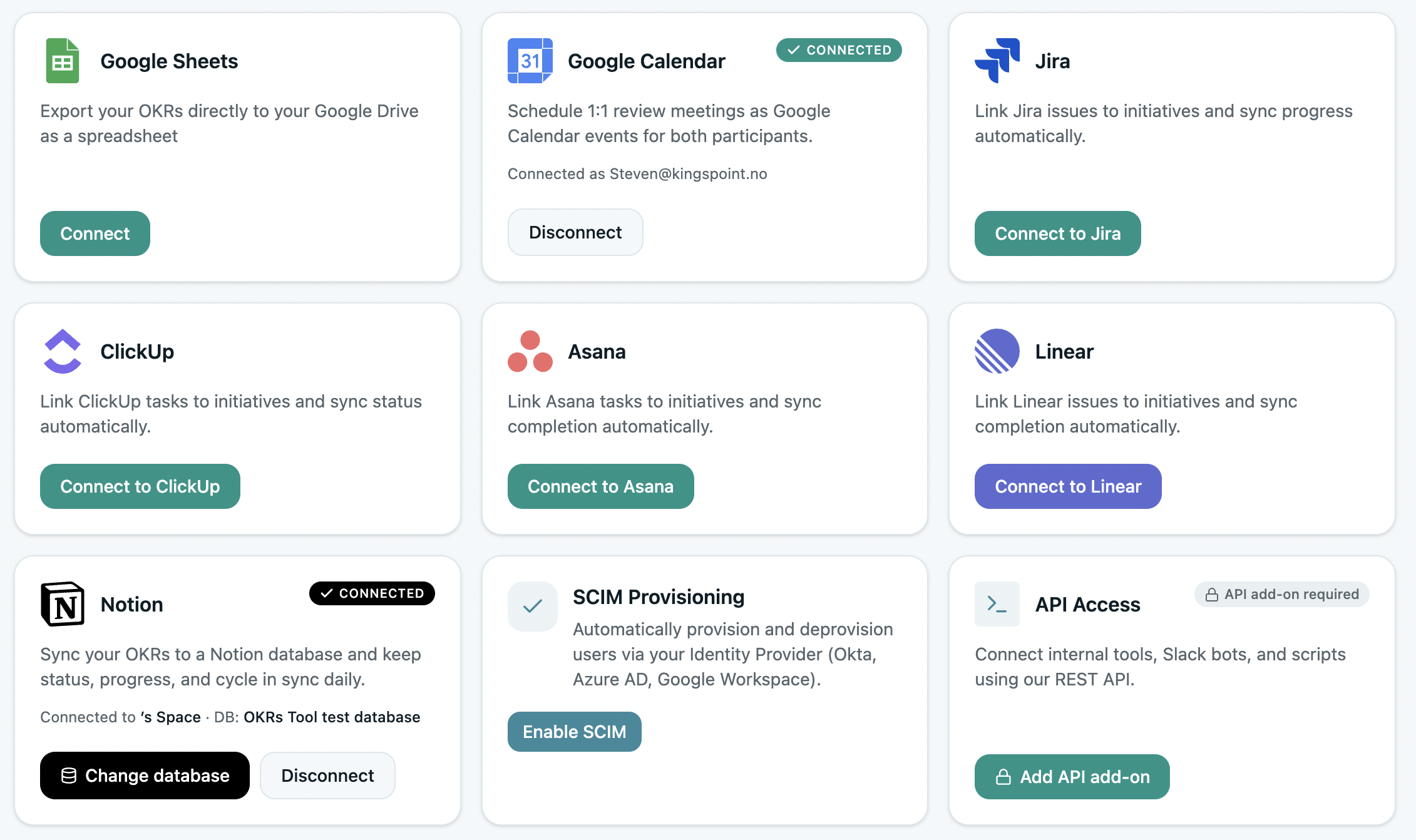
OKRs Tool wins on
- Owner and score required on every Key Result
- Works for non-technical teams too
- Flat pricing — no per-seat tax as you hire
- Check-ins across Slack, Teams and email
Where it isn't the fit
- Jira sync is one-way on a 24-hour cycle
- Less of a visual, Jira-native dashboard
- Built for 50–200 people, not 500+ rollouts
Questions Buyers Ask Me
We live in Jira — isn't Oboard the obvious pick?
If real-time, two-way Jira sync is the deciding feature, yes — Oboard's is the deepest I tested, and Key Results move as tickets close. OKRs Tool pulls Jira progress too, but one-way on a daily cycle, which suits a weekly cadence rather than live sync. If your whole team is in Jira and you want that live connection, Oboard wins there; if not everyone is, or you want ownership enforced, OKRs Tool fits better.
Does OKRs Tool sync with Jira at all?
Yes — it pulls progress from Jira, Asana and Linear, one-way on a 24-hour cycle rather than real-time two-way. Updates land the next day, not the next minute. That's fine for a weekly check-in rhythm, and I say plainly it's not as deep as Oboard's Jira integration.
How far apart are they on price?
Oboard's Jira app is free up to 10 users, then per seat — roughly $3,300 to $5,400 a year at 100 users. OKRs Tool is flat, from $129 a month for the whole organisation. Small Jira teams start cheap on Oboard; at scale, flat pricing pulls ahead.
Did you test both hands-on or read the feature pages?
I build OKRs Tool, so I know it from the inside, and I set up the same OKR in Oboard in a real account — signup, an objective, two Key Results, owners and the check-in flow. The table reflects what each live product does, not what a pricing page claims.
Want the habits enforced, in or out of Jira?
Open a free trial, create an objective, and watch the check-ins run themselves.
Benchmark figures from The OKR Benchmark Report. Feature scoring from a live account test of both tools.