Roll out OKRs across the organisation, and keep them running past cycle two.
A 30/60/90 plan for a group-scale rollout: get everyone in, build the weekly cadence, and reach the second cycle with the habit intact, and without the rollout becoming one person's job to chase.
What this plan is built for
Rollouts lose momentum at cycle two.
OKR rollouts start with energy and drain away by the second or third cycle, the point where the weekly cadence quietly stops and nobody decides to end it. This plan is built around that risk: the first 90 days get everyone in, make the check-in a habit the platform keeps running, and carry the momentum into cycle two.
Teams that run a weekly check-in complete 43% more of their OKRs — the one habit this plan is built to protect.
The OKR Benchmark Report →The plan
Thirty, sixty, ninety.
Three phases, each with one goal. Setup takes an afternoon; the rest is cadence.
Launch
Goal: everyone in, structure set, the first cycle live.
- Set up your workspace, and a company for each entity if you're a multi-entity group, so goals roll up the way your org is actually shaped.
- Provision your people through SSO and SCIM. Your IT team runs a short checklist — roughly 30 minutes — with roll-out mode holding invitations until the groups are clean, so invites land when you launch, not before. SSO & SCIM setup guide →
- Build the structure first — teams and departments — then set company and team OKRs with a named owner on every key result.
- Launch. Invitations go out, and owners log their first check-in — the single strongest early signal of a cycle that lands.
Build the cadence
Goal: the weekly habit holds without anyone chasing it.
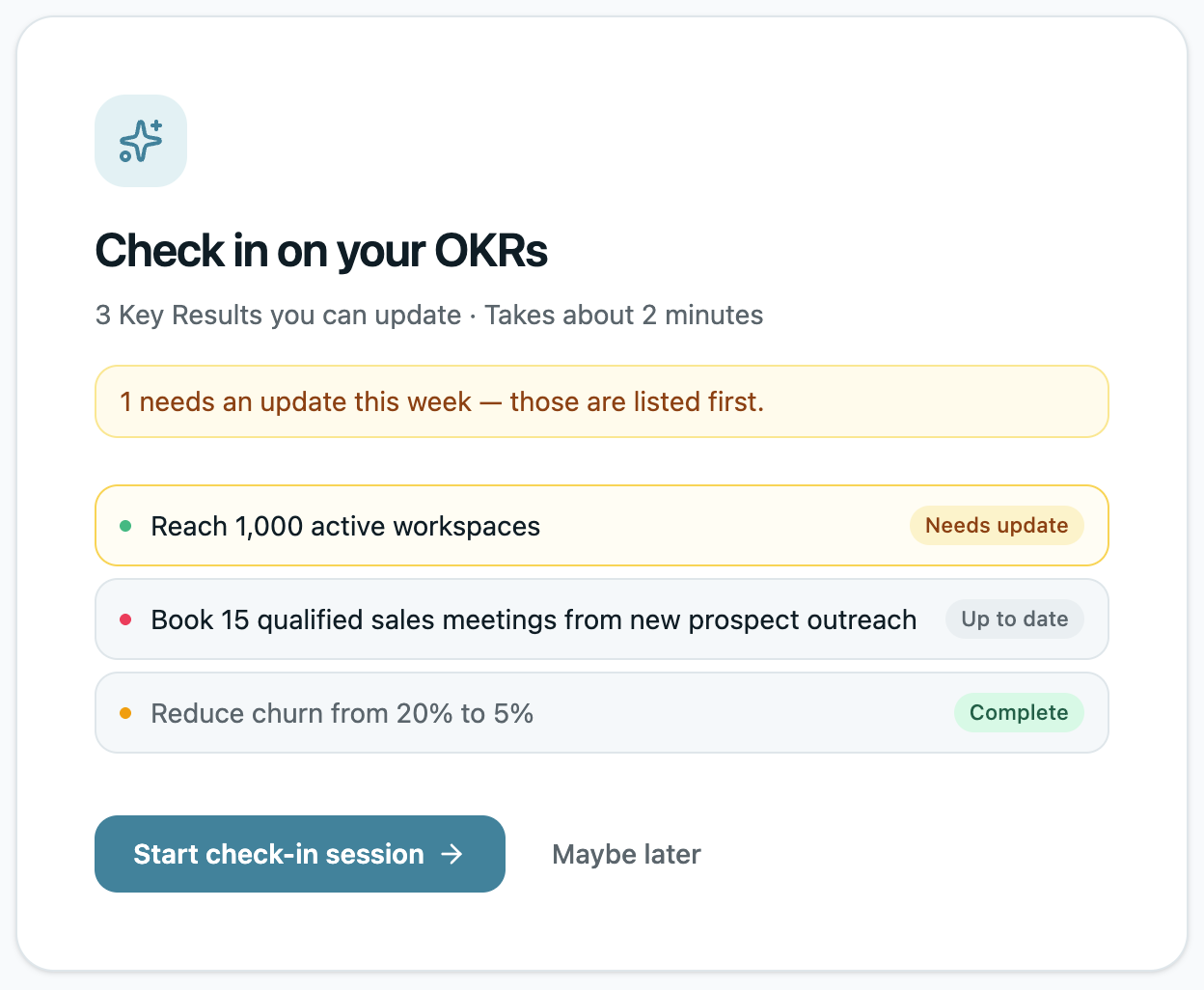
- Weekly check-in nudges prompt every owner to update their own key results — in-app or over email, Teams or Slack — so keeping them alive stops being your weekly task.
- Run the mid-cycle review: filter to what's at risk and act while there's still most of a quarter left to act on it.
- Watch the early warning — a key result still at zero after its first check-in is the one to rescue now, not at the quarterly review.
Prove it and expand
Goal: cycle two starts strong — the point most rollouts never reach.
- Close the first cycle: review what landed, mark what carries over, and open cycle two on the structure that's already running.
- Report up without compiling — the weekly brief gives leadership what moved, what slipped and what they'll ask about, ready to forward.
- Expand into the next teams or companies, who join a system that's already running.
Your IT team can start provisioning today
SSO and SCIM are set up on a short, guided checklist — Microsoft Entra, Okta or any SAML 2.0 provider — with group-to-company mapping and roll-out mode so nobody gets an invite before the deployment is ready.
A year in, Trillium's OKRs are still running — with no one chasing updates.
At 130 people, chasing everyone every week isn't sustainable. I needed a system where the tool did the chasing, not me.

Why it holds
The cadence doesn't depend on someone remembering to run it.
Rollouts die when the weekly rhythm quietly stops. The platform keeps it running on its own: every owner gets prompted to update their key results, goals still sitting at zero are surfaced while there's time to act, and the weekly brief lands in the champion's inbox before anyone asks where things stand. The habit holds because the system carries the cadence, so it survives the weeks when the champion is heads-down elsewhere.
Start the rollout
Run OKRs that survive cycle two.
Start a 14-day trial with no credit card, or talk to Steven about an enterprise rollout, SSO and SCIM provisioning, or a dedicated instance if your policy needs one.