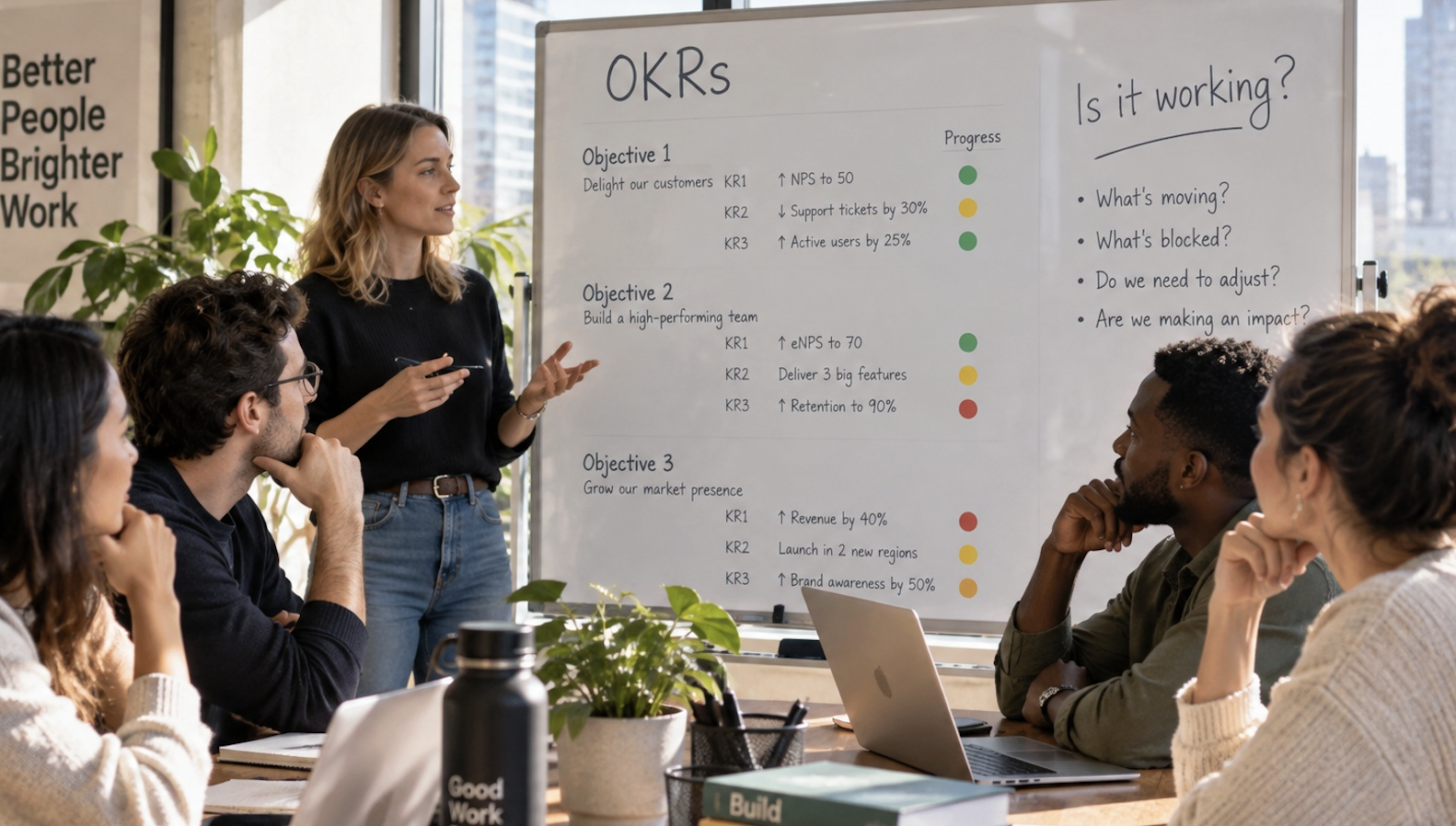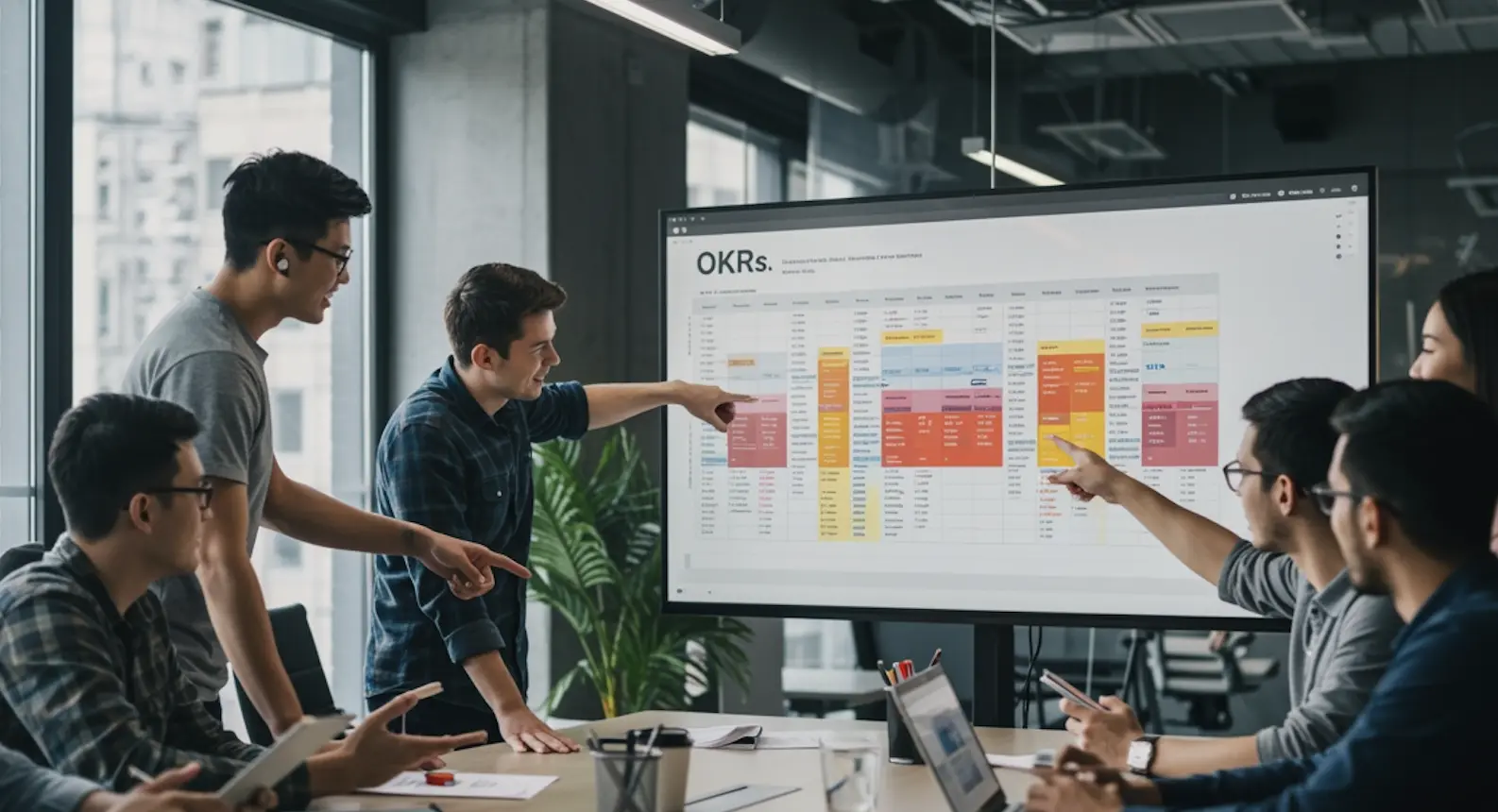
This free Excel OKR template helps teams launch structured goals without new software or setup. It includes built-in formulas, weekly tracking, and clear ownership. Start simple in spreadsheets, then upgrade when scaling requires automation and visibility.
You don't need OKR software to get started with OKRs. Many of the most effective goal programmes begin in a simple spreadsheet — familiar to everyone, already part of the workflow, and flexible enough to evolve as the process matures.
The problem is that most free OKR Excel templates are either too basic to be useful or so over-engineered they need a manual. This one strikes the right balance: a clean OKR sheet with built-in structure for objectives, measurable key results, weekly check-ins, and progress tracking. Ready to use in five minutes.
Prefer Google Sheets? Access the Google Sheets version here.
Why Most Teams Still Start with Excel
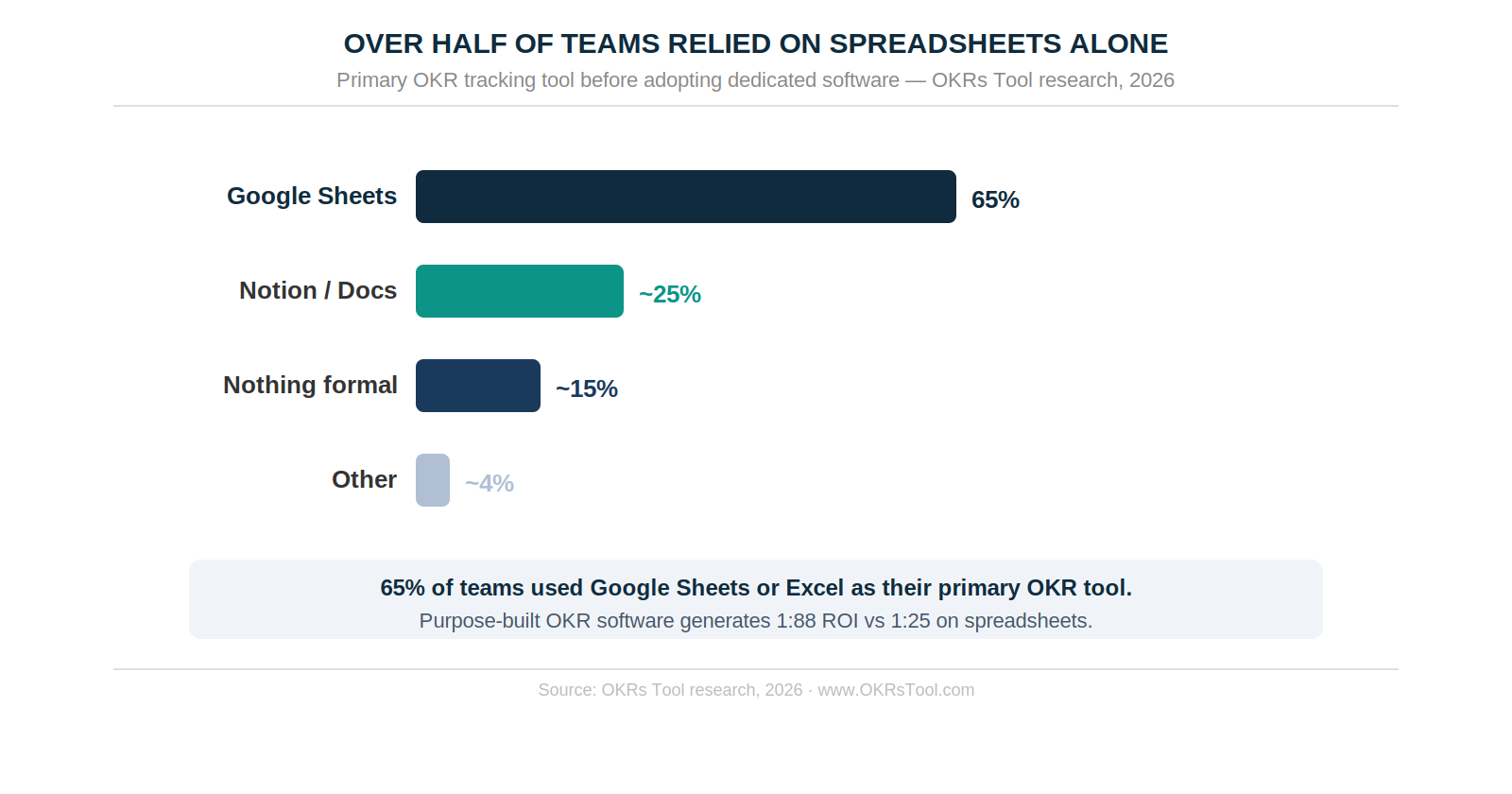
While OKR software is growing rapidly, a significant number of teams continue to use spreadsheets as their primary tool for tracking OKRs. According to our own research, 65% of companies still use Excel or Google Sheets as their primary OKR tracking tool.
The reason is straightforward. Spreadsheets are already part of the workflow, free or very low-cost, flexible enough to customize for any team structure, and familiar to every function and role. When speed matters more than systems, that flexibility is hard to beat. There's no training required, no platform commitment, and no additional SaaS cost.
Once OKRs start to scale across teams and quarters, spreadsheets begin to strain. Updates get missed, versions multiply, and alignment slips between teams. That's where purpose-built OKR software starts to earn its place. But for most teams, an OKR spreadsheet template is still the right starting point.
Who This Template Is For
Department heads and team leads piloting OKRs for the first time will find the most value here — the template is structured enough to keep goals organized and tracked without requiring a dedicated programme owner or software budget. Teams that prefer building their own systems and want full flexibility to customize the structure will also find it useful.
If you're running a departmental pilot before a company-wide rollout, this template lets you learn how OKRs work by doing — testing structures, tracking outcomes, and building the weekly check-in rhythm before scaling across teams. Organizations watching spend before committing to software get a fully functional OKR setup without adding to the SaaS stack.
What's Inside the Template
The Excel template is structured into focused tabs — each designed to guide teams from setup to execution without any configuration required.
Everything is colour-coded, organized, and fully editable.

How to Use the OKR Excel Template
1. Set Your Quarterly Objectives
Use clear, inspiring language. One to three objectives per team is usually plenty. Start by aligning around what truly matters this quarter — whether it's growth, retention, or product velocity. Make objectives memorable so the team can rally behind them.

2. Define 2–4 Measurable Key Results Per Objective
Key results should be metrics — things you can actually track and influence. They should stretch the team but remain achievable. Pick numbers that indicate success clearly: signups, conversions, activation rates, revenue figures. If a Key Result can be "completed" without moving a metric, rewrite it.

3. List Supporting Initiatives Under Each Key Result
Initiatives are the projects or actions the team will take to move the metric. Think campaigns, product improvements, outreach experiments, or process changes. If the work doesn't influence a Key Result, it probably doesn't belong in the OKR plan.
4. Assign Ownership and Track Progress Weekly
Use the Notes column to add quick updates and flag blockers. Make updates a team habit — a few minutes each week to check status, remove blockers, and course-correct before problems compound. The 2026 OKR Benchmark Report is clear on why this matters: teams with a consistent weekly update habit complete 43% more OKRs than those reviewing monthly or ad hoc.
5. Review and Reflect at Cycle End
At the end of the cycle, evaluate what moved and what didn't. Don't skip the reflection — teams that run consistent end-of-cycle retrospectives complete 30–45% more OKRs in the following quarter. Discuss lessons learned, celebrate wins, diagnose misses, and use those insights to shape stronger OKRs next cycle.
Sample OKR in Excel
Below is an example of a single objective with its key results — showing how goals, ownership, targets, and status come together in a clear, scannable format.
And here's how an OKR looks in Excel. You can see how the OKR is laid out inside the template, using rows, status indicators, and last-updated fields to make progress easy to track.

Using This as an OKR Reporting Template
The same spreadsheet that tracks your goals can double as an OKR reporting template — for weekly team updates, mid-cycle check-ins, and end-of-cycle leadership summaries.
Here's how each reporting use case maps to the template:
The benchmark data on why this reporting rhythm matters: teams that run consistent weekly check-ins complete 43% more OKRs than those reviewing monthly or ad hoc. A simple OKR sheet updated weekly produces better results than sophisticated software nobody opens.
Where Excel OKR Templates Break Down
Excel is a great starting point. But as the team grows, the limitations become concrete: there are no real-time updates when multiple people edit the file, alignment across teams requires manual maintenance, check-ins depend entirely on someone remembering to chase them, and there are no reminders, automations, or integrations to keep the system running when the initial enthusiasm fades.
The result is always the same pattern: the spreadsheet works while one person is willing to personally hold it together. Once that person stops chasing updates — or the team crosses 20 people — the file quietly stops being used.
Excel vs Dedicated OKR Software: The Full Comparison
Excel is a great way to start with OKRs — but as teams grow, the limitations become harder to ignore.
The ROI data makes the difference concrete: organizations using purpose-built OKR software generate a 1:88 return on investment against the same revenue baseline, compared to 1:25 on spreadsheets. The gap isn't primarily about software cost — it's about the time saved on manual overhead and the weekly habit that a purpose-built tool makes structurally easier to maintain.
If you're running OKRs across multiple teams or quarters, a dedicated OKR tool removes manual work, improves visibility, and keeps everyone aligned automatically.
When the Spreadsheet Stops Working
Most teams start here. One company we work with — Trillium, a 130-person team — ran OKRs across 250+ Excel rows before switching to OKRs Tool.
The spreadsheet worked while the founder was willing to personally chase every update. The moment he stopped, it fell apart. Within one cycle of switching, the entire team was actively tracking goals — no more chasing updates, no more stale spreadsheets.
That's the pattern. The spreadsheet is a great place to start. It stops working the moment you cross ~20 people and can't personally hold the system together.
Already running OKRs in Excel? We'll migrate them for you. Several teams have moved hundreds of existing OKRs into OKRs Tool in a single session without losing a single data point. Just reach out and we'll handle it personally.
FAQs
Can I use this template in Google Sheets?
Yes! Get access here or download the Excel file and upload it to Google Drive. It works just like Excel — so your team can start using it immediately without missing a beat.
Can I share this with my team?
Absolutely. It's designed for collaboration. Just upload it to a shared drive or workspace so everyone can view, update, and stay aligned.
Can I edit the structure?
100%. Change tabs, rename headers, adjust formatting — make it work for your team.
Can I import my existing Excel OKRs into OKRs Tool?
Yes, and we'll do it for you. Several teams have migrated hundreds of existing OKRs in a single session. Just reach out and we'll handle it personally.
Still want the template? Download the free Excel version or access the Google Sheets version here →
Data: The 2026 OKR Benchmark Report (200 organizations).